
课后拓展-水壶浇花
.
水壶浇花动画,是很典型的按钮控制影片剪辑的动画例子,里面包含了所学了全部知识点,并且增加了一定的难度。主要是水壶元件的制作,制作水壶浇水的影片剪辑动画。制作开花的影片剪辑动画。鼠标移入动画制作,鼠标跟随命令,鼠标隐藏命令,水表移入动画,移出动画命令。大家课后可以按照视频讲解练习该例子。
图形绘制如下,并且给水壶制作一个胶水我的动作,分别添加停止命令。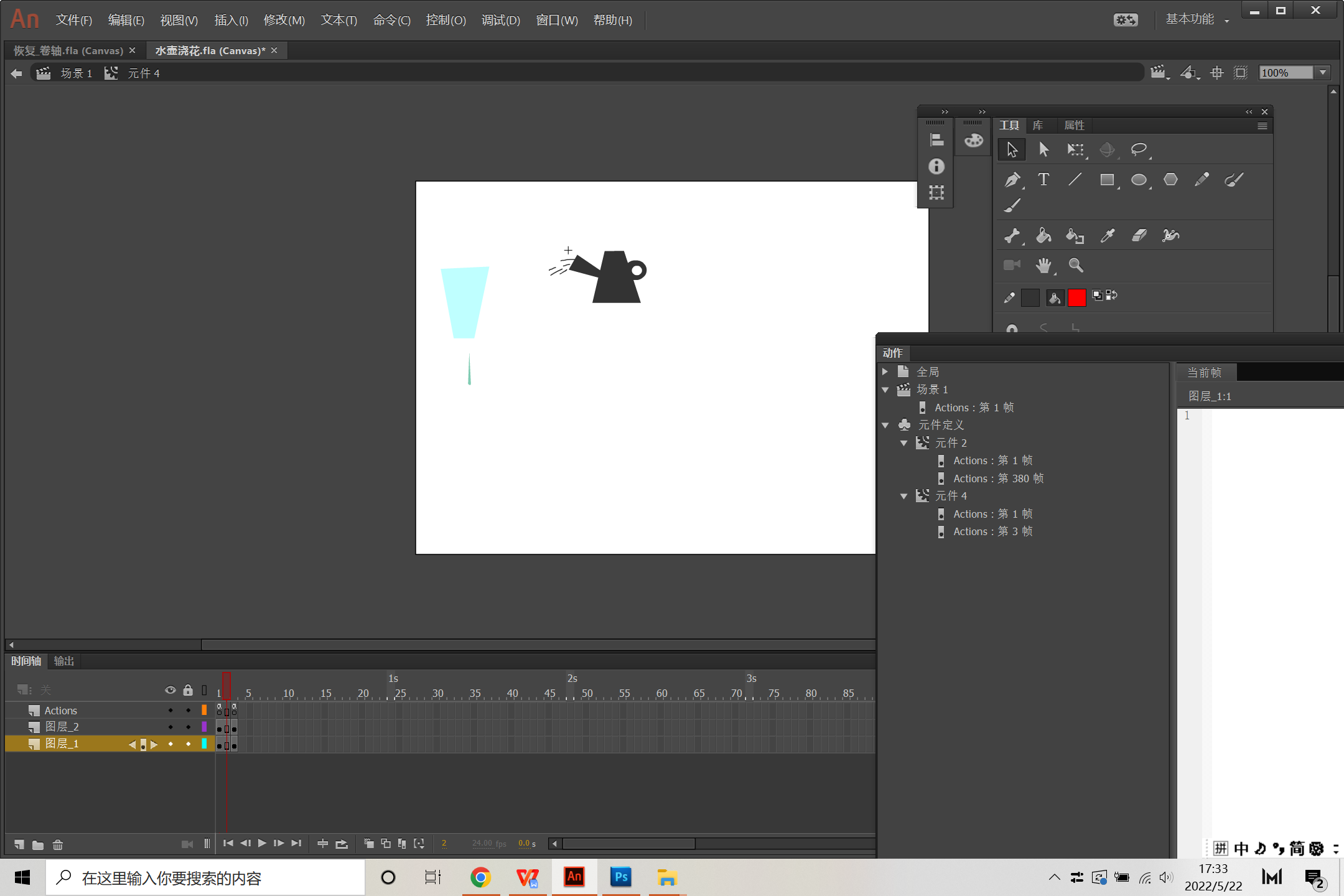
命令添加如下:
//dragableCar 是一要拖动的原件
this.huhu.addEventListener("pressmove", followFinger.bind(this));
function followFinger() {
console.log("X:"+this.parent.mouseX + " Y:"+this.parent.mouseY);
//转换外界坐标到本地坐标
var newPoint = this.globalToLocal(this.parent.mouseX,this.parent.mouseY);
console.log("X:"+newPoint.x + " Y:"+newPoint.y);
this.huhu.x = newPoint.x;
this.huhu.y = newPoint.y;
}
/* 单击以转到帧并播放
单击指定的元件实例会将播放头移动到时间轴中的指定帧并继续从该帧回放。
可在主时间轴或影片剪辑时间轴上使用。
说明:
1. 单击元件实例时,用希望播放头移动到的帧编号替换以下代码中的数字 5。
2. EaselJS 中的帧编号从 0 开始而不是从 1 开始
*/
this.nn.addEventListener("mouseover", fl_ClickToGoToAndPlayFromFrame_2.bind(this));
function fl_ClickToGoToAndPlayFromFrame_2()
{
this.hua.gotoAndPlay("2");
this.huhu.gotoAndStop("2");
}
this.nn.addEventListener("mouseout", fl_ClickToGoToAndPlayFromFrame_3.bind(this));
function fl_ClickToGoToAndPlayFromFrame_3()
{
this.huhu.gotoAndStop("0");
}

.
视频讲解:
小作业:完成该水壶浇花的小交互动画。


