
安装VMware
上一节
下一节
安装VMware
摘要:安装VMware12 Pro
安装VMare12 Pro
First step: 运行“VMware_workstation_full_12.5.2.exe”(或者其他版本)

Second step:引导页面,直接点击下一步

Third step: 同意许可,然后继续点击下一步
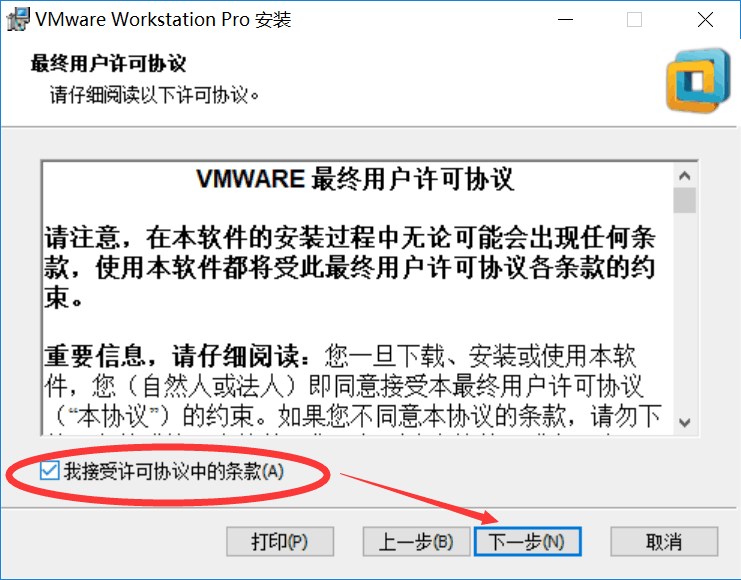
Forth step: 选择VMware安装位置,然后点击下一步

Fifth step: 根据个人喜好选择,然后点击下一步

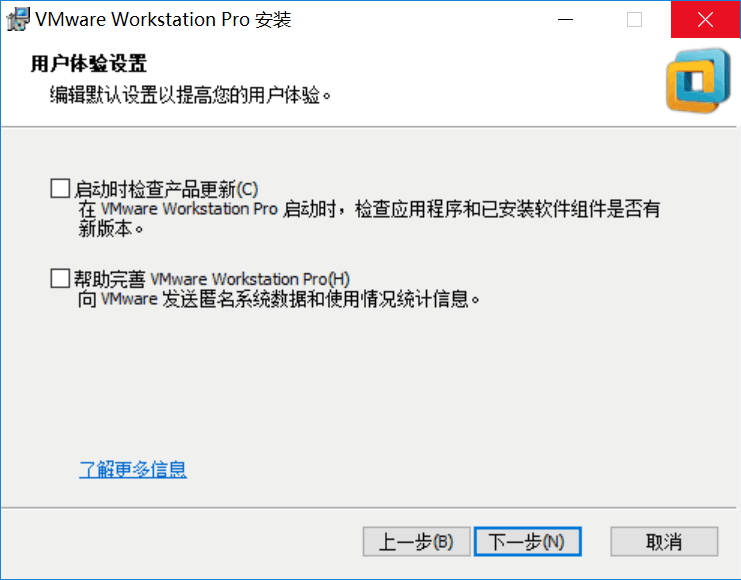
Sixth step: 用户体验设置,建议全部取消勾选,然后点击下一步
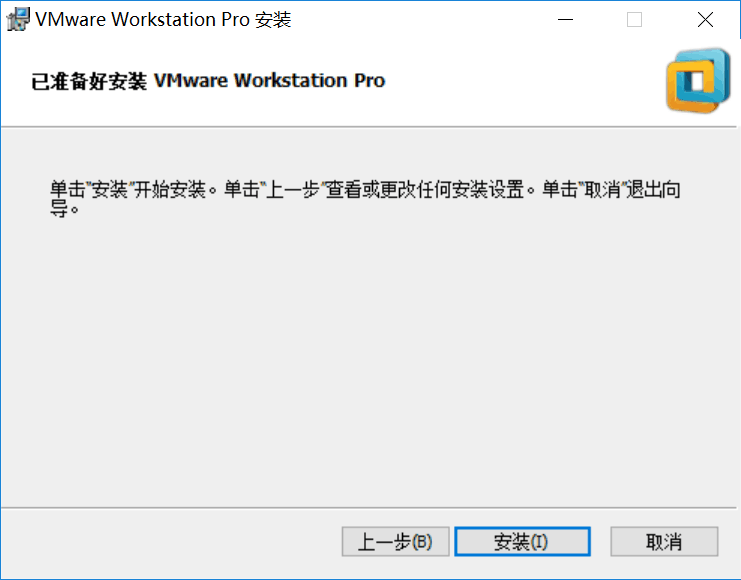
Seventh step: 点击安装
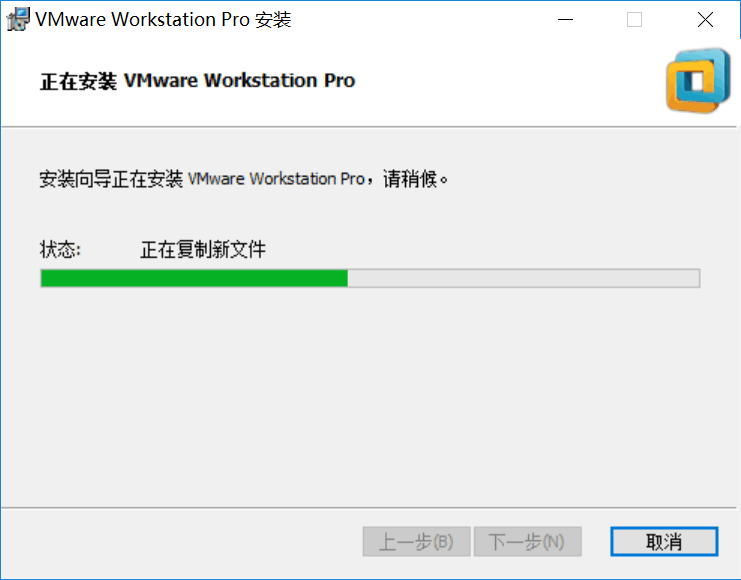
Eighth step: 等待安装完成,然后点击许可证
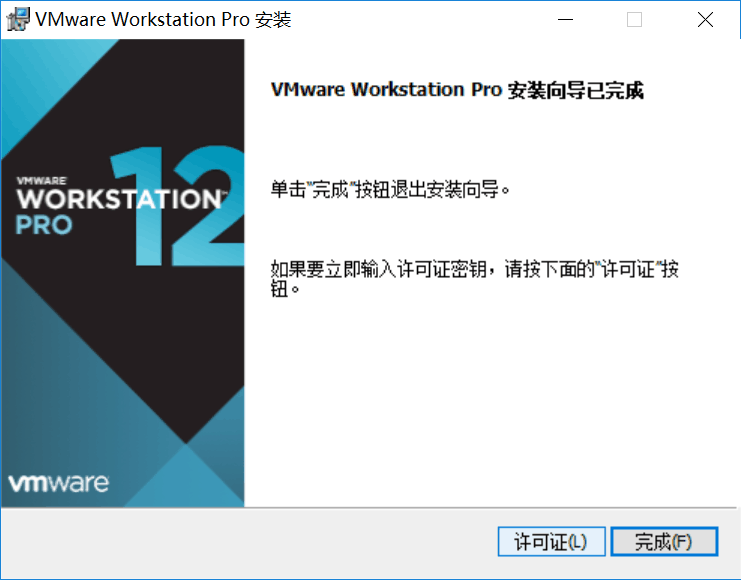
Ninth step: 自己在百度搜索一个vmware12密匙,粘贴复制,然后点击输入
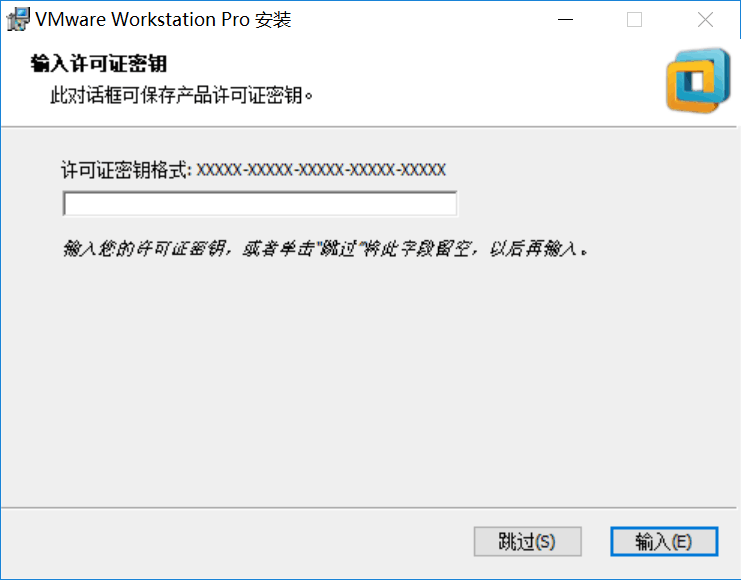
Last step: 安装完成

