<!doctype html>
<html>
<head>
<meta charset="utf-8">
<title>15.5jQuery效果-动画</title>
<!--
一. jQuery动画方法animate()自己定义动画
语法:
$(selector).animate({params},speed,callback);
params:定义形成动画的CSS属性,
speed:'slow'、'fast'或者毫秒,
callback:动画执行完毕后运行的函数.
二、jQuery stop()方法:停止动画或者效果,在它们完成前
stop()方法适用于所有的jQuery效果函数,包括滑动、淡入淡出和自定义动画
语法:
$(selector).stop(stopAll,gotoEnd)
stopAll:规定是否应该清除动画队列。默认是false,即仅停止活动动画,允许任何排入队列的动画向后执行
gotoEnd:规定立即完成当前动画。默认是false
-->
<script src="../js/jquery-3.1.1.min.js"></script>
<script>
$(function(){
//1.animate()方法的简单应用
$('#btn1').click(function(){
$('#div1').animate({left:'50px'});
});
//2.animate()-操作多个属性
$('#btn2').click(function(){
$('#div1').animate({
width:'150px',
height:'150px',
opacity:'0.5'
});
});
//3.animate()-使用相对值
$('#btn3').click(function(){
$('#div1').animate({
left:'+=50px',
top:'+=50px',
width:'+=50px',
height:'+=50px'
});
});
//4.animate()-使用队列功能
$('#btn4').click(function(){
$('#div1').animate({left:'+=200px'},2000)
.animate({top:'+=200px'},2000)
.animate({height:'200px',width:'200px',opacity:0.5},2000)
});
//5. stop()
$('#btn5').click(function(){
$('#div1').stop();
});
//6. stop(true)
$('#btn6').click(function(){
$('#div1').stop(true);
});
});
</script>
<style>
#out{
width:400px;
height:400px;
background-color:#CCC;
border:solid 2px #000000;
}
#div1{
width:100px;
height:100px;
background-color:red;
position:relative;
}
</style>
</head>
<body>
<input type="button" id="btn1" value="animate()方法的简单应用"><br>
<input type="button" id="btn2" value="animate()-操作多个属性"><br>
<input type="button" id="btn3" value="animate()-使用相对值"><br>
<input type="button" id="btn4" value="animate()-使用队列功能"><br>
<input type="button" id="btn5" value="stop()"><br>
<input type="button" id="btn6" value="stop(true)"><br>
<div id="out">
<div id="div1"></div>
</div>
</body>
</html>
默认效果
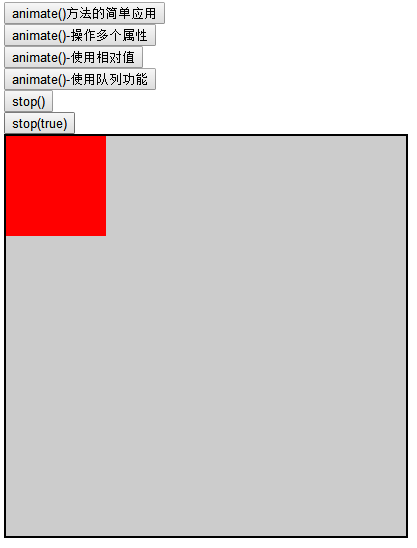
单击“animate()方法的简单应用”按钮效果
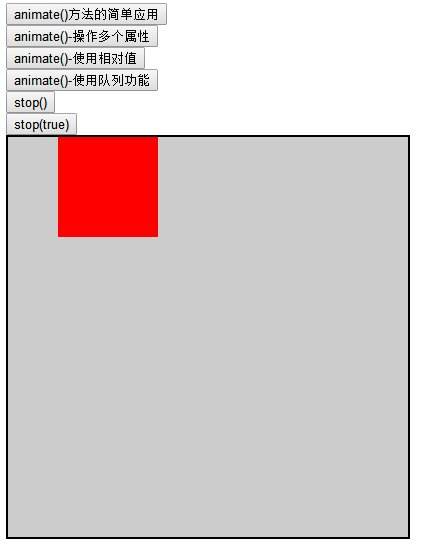
单击“animate()-操作多个属性”按钮
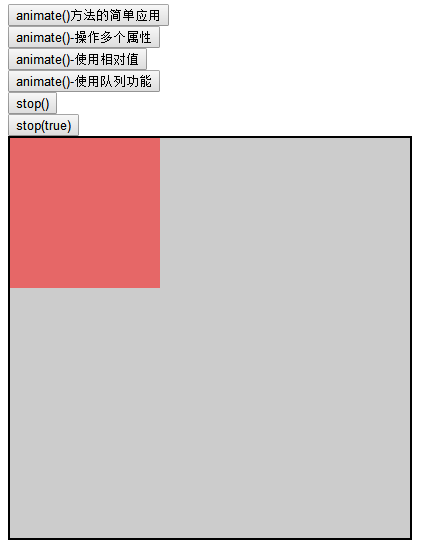
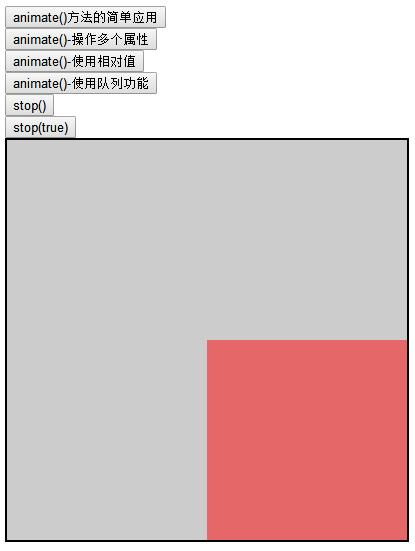
单击“animate()-使用相对值”按钮效果
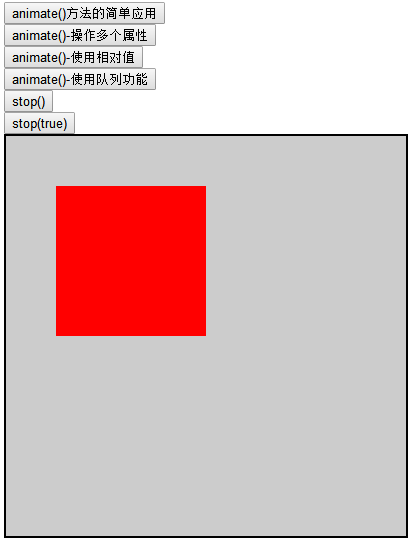
单击“animate()-使用队列功能”按钮效果