目录

  • 1 前言
    • 1.1 课程介绍
  • 2 unit  1 Nice to meet you!
    • 2.1 lesson 1 会话
    • 2.2 lesson 2 阅读
    • 2.3 拓展阅读链接:中国古代的见面礼仪:跪拜、打拱和作揖(图)
    • 2.4 职场运用
    • 2.5 课程思政视频:我深爱着我的祖国
  • 3 Unit 2 What an amazing place!
    • 3.1 lesson 1 会话
    • 3.2 lesson 2 阅读
    • 3.3 拓展阅读链接:满园春色
    • 3.4 职场运用
    • 3.5 课程思政视频:美轮美奂的旅游胜地
  • 4 unit 3 My English is improve fast
    • 4.1 lesson 1 会话
      • 4.1.1 Lesson 2 阅读
    • 4.2 拓展阅读(1):英语学习方法
    • 4.3 拓展阅读(2):两种英语阅读中必须使用的方法
    • 4.4 职场运用
    • 4.5 课程思政视频:坚持是学习固本
  • 5 unit 4 See  you on Friday evening
    • 5.1 lesson 1 会话
    • 5.2 lesson 2 阅读
    • 5.3 拓展阅读:三星堆出土陶猪成网红
    • 5.4 职场运用
    • 5.5 课程思政视频:路因人才有意义
  • 6 unit 5 we have only one earth
    • 6.1 lesson 1 会话
    • 6.2 lesson 2 阅读
    • 6.3 拓展阅读链接:非洲动物世界
    • 6.4 职场运用
    • 6.5 课程思政视频:比手机更可怕的污染
  • 7 Unit 6 can you help me use it
    • 7.1 lesson 1 会话
    • 7.2 lesson 2 阅读
    • 7.3 拓展阅读链接(1):中国探月
    • 7.4 拓展阅读链接(2):小康生活
    • 7.5 职场运用
    • 7.6 课程思政视频:软件使用清理手机空间
  • 8 单元课前导学
    • 8.1 lesson 1 Nice  to meet you
    • 8.2 lessson 2 what an amazing place
    • 8.3 lesson 3 My english is improving
    • 8.4 lesson 4 See you on Friday evening!
    • 8.5 lesson 5 We have only one earth!
    • 8.6 lesson 6 Can you help me use it?
  • 9 后记
    • 9.1 课程使用详解
lesson 2 阅读

语言知识目标:能够熟记与描述产品说明书相关的英语词汇和句型

语言技能目标:1. 能够理解本单元所提供的阅读材料

                       2. 能够用英语简单描述产品使用说明等

情感目标:培育学生严谨、科学的学习和工作态度

思政目标:  培育学生乐于助人的品德

教学重点:

1. 熟记说明书的构成、笔记本电脑的保护方法及PPT的制作步骤,并学习重点单词和短语

2. 能用谈论明书的构成、笔记本电脑的保护方法及PPT的制作步骤的英语重点句型进行交互活动

Apply right amout of shampoo onto hair andrub into foam

Don’t expose your laptop to extremtempweatures

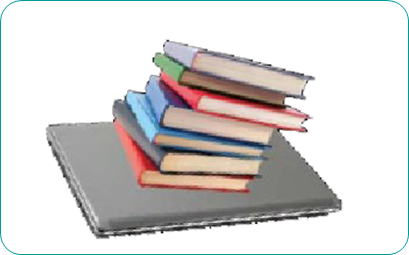
Avoid placing heavy things, sush as bookd,on top of your laptop

教学难点:

能够在日常生活中使用用于谈论明书的构成、笔记本电脑的保护方法及PPT的制作步骤的重点句型

学习任务清单:

任务一: 阅读下列洗发液的说明书
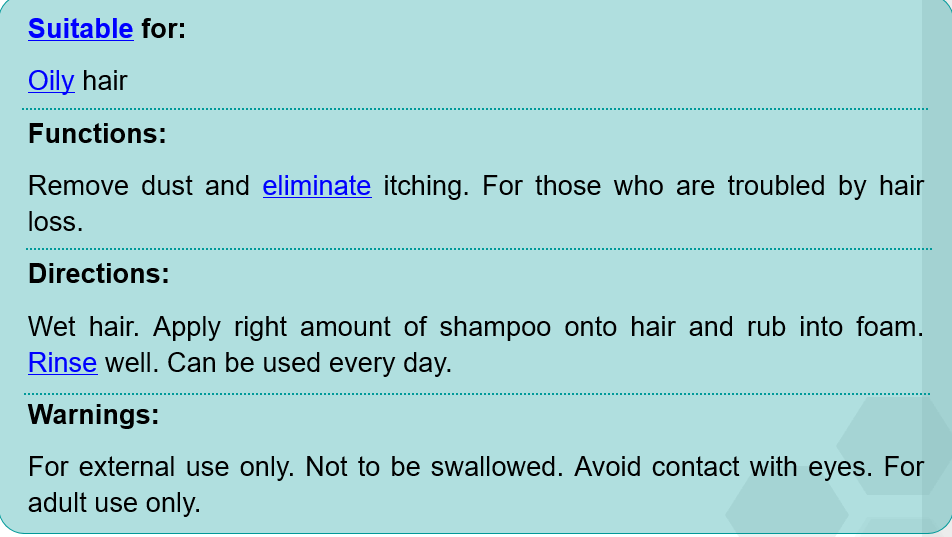


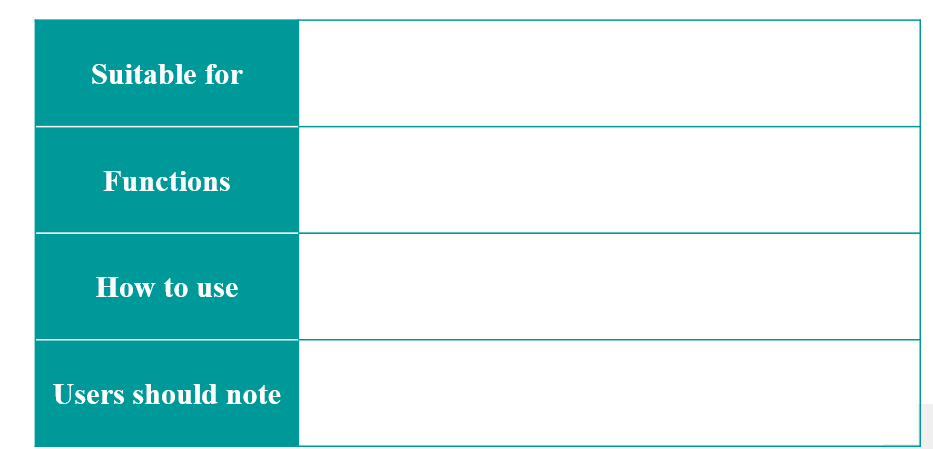
任务二:根据上面是的说明书,填写下表

任务三:阅读短文,了解怎样保护笔记本电脑


There are a number of easy things you can do to keep your laptop in better shape.

1.Keep liquids away from your laptop. Spilled liquids may cause electrical damage tothe laptop.

2.Don’texpose your laptop to extreme temperatures. When bringing your laptop indoorsin winter, let it warm to room temperature before you turn it on.

3.Avoidplacing heavy things, such as books, on top of your laptop. This can push thescreen into the keyboard.

4.Cleanyour laptop regularly. But remember, turn it off before cleaning.

任务四:看图,指出使用电脑时的不当做法



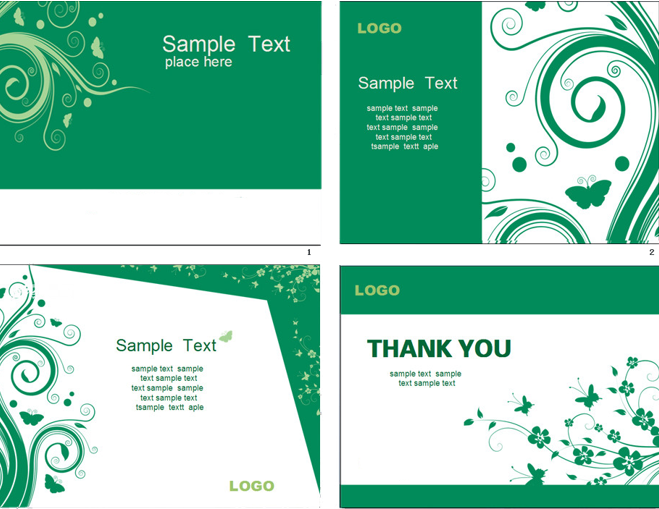
任务五:阅读短文,学习制作PPT演示文档


If you want to create slides for a presentation, Microsoft PowerPointproves to be a useful tool. Follow the steps below, and you’ll find it easy to get the job done.

    First, open PowerPoint to get a blank“slide”. Insert a title and a subtitle here if necessary. Then, to create more presentation pages, select Insert and New Slide on the menu bar to get a new blank slide. Once you have created allyour slides, go to Format onthe menu bar and select Slide Design.The design options will appear on the right side of the page. Simply click onthe different designs to see how your slides would look. Finally, go to View onthe menu bar and select Slide Show.Your presentation will then appear.

任务六:讨论并列举你知道的其他办公软件

任务七:自己制作一个PPT演示文档