jQuery鼠标事件之mousemove事件
上一节
下一节
<!doctype html>
<html>
<head>
<meta charset="utf-8">
<title>16.6jQuery鼠标事件之mousemove事件</title>
<script src="../js/jquery-3.1.1.min.js"></script>
<script>
$(function(){
//mousemove():鼠标在元素上移动时候产生的事件
$('#div1').mousemove(function(event){
var t = event.offsetX;
var l = event.offsetY;
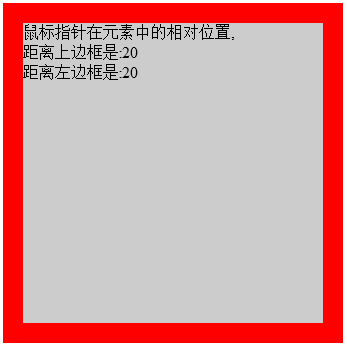
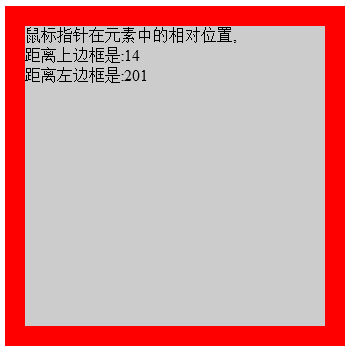
$(this).html("鼠标指针在元素中的相对位置,<br>距离上边框是:"+t+"<br>距离左边框是:"+l);
});
});
</script>
<style>
#div1{
width:300px;
height:300px;
border:solid 20px red;
background-color:#CCC;
cursor:pointer;
}
</style>
</head>
<body>
<div id="div1">
</div>
</body>
</html>
效果图