开发环境与配置
上一节
下一节
模式识别开发环境安装配置教程
1、安装Python
打开Python.org官网下载Python安装包 https://www.python.org/downloads/
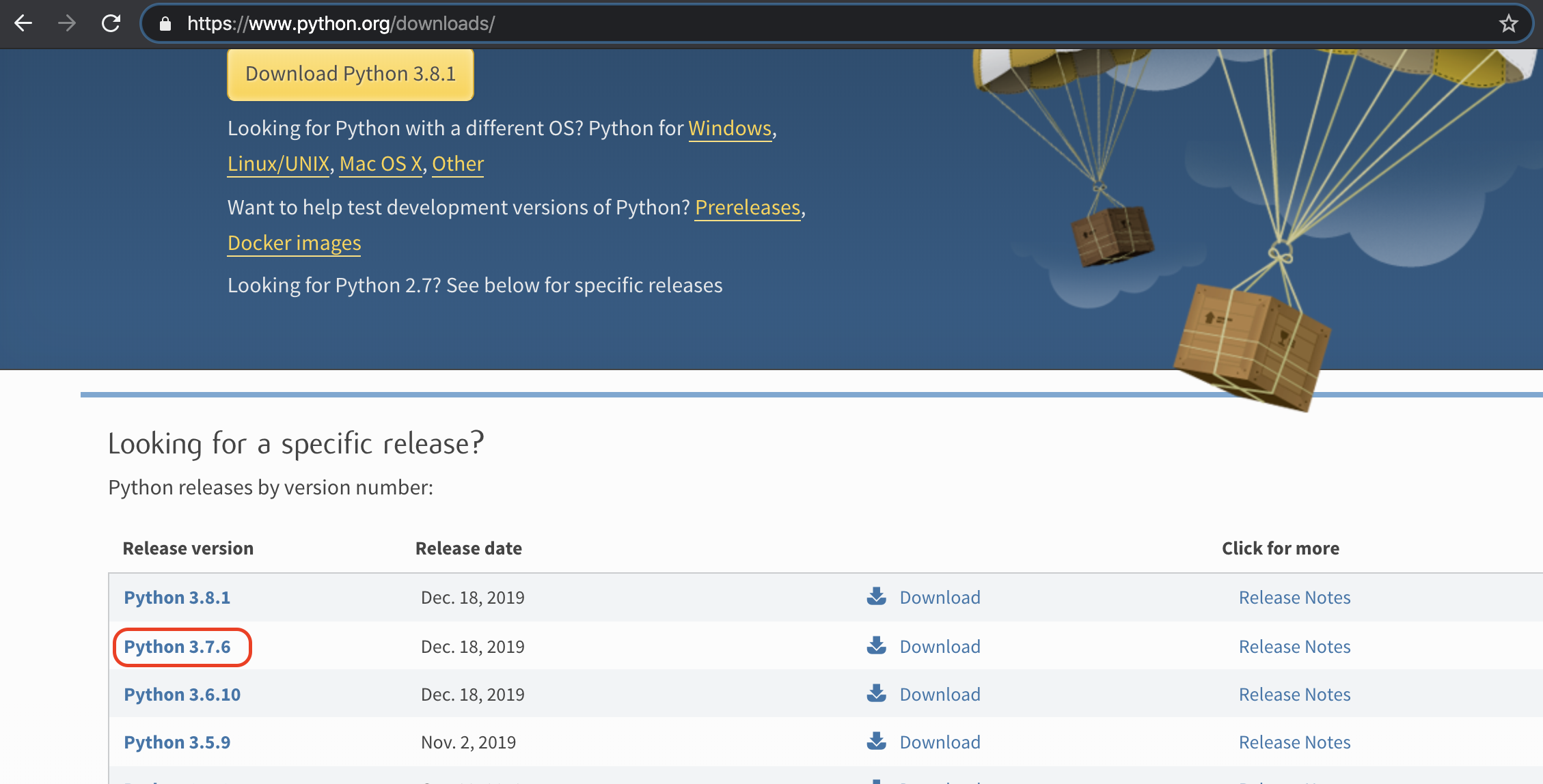
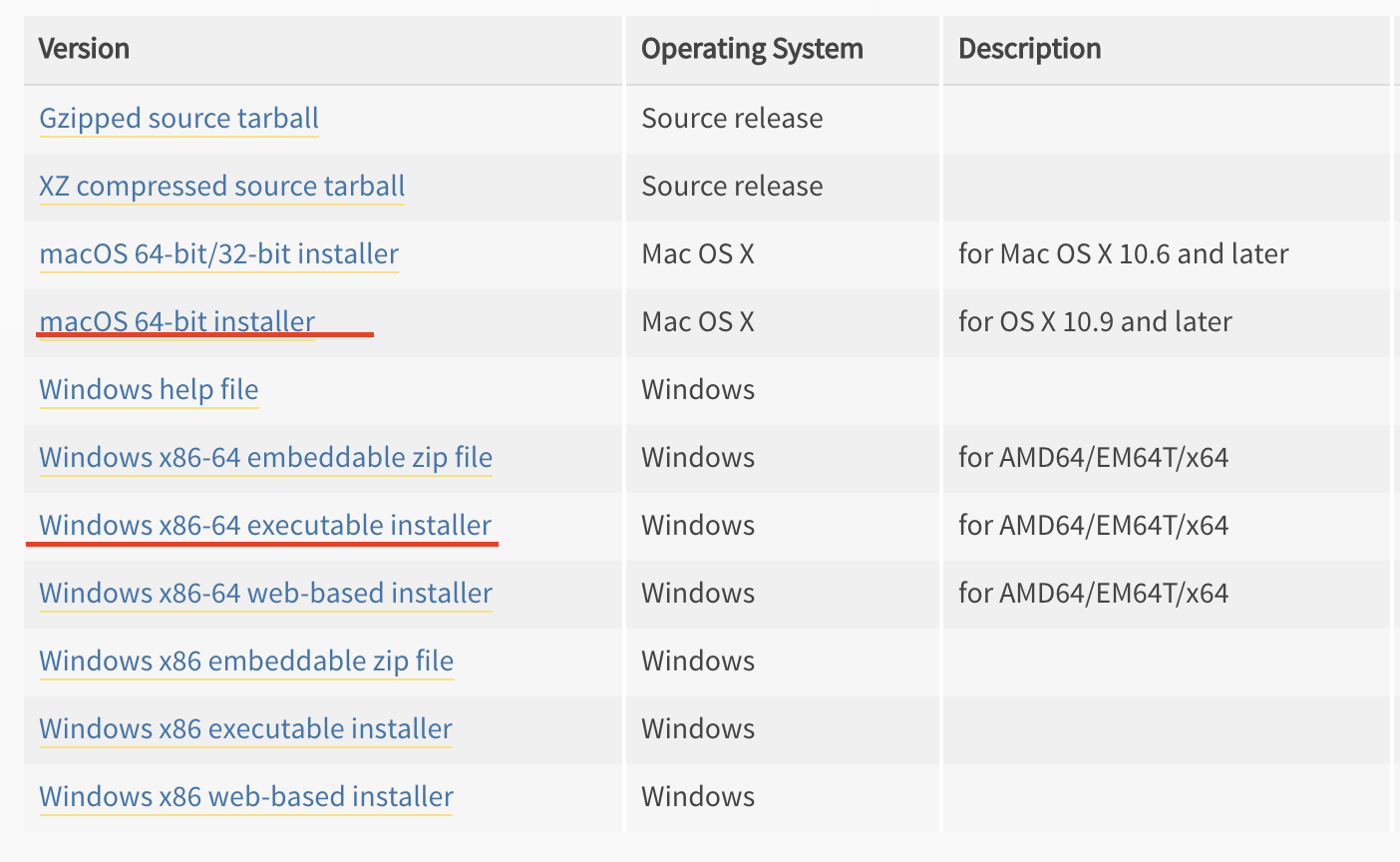
选择3.7.6版本,moacOS和window分别选择64位安装包
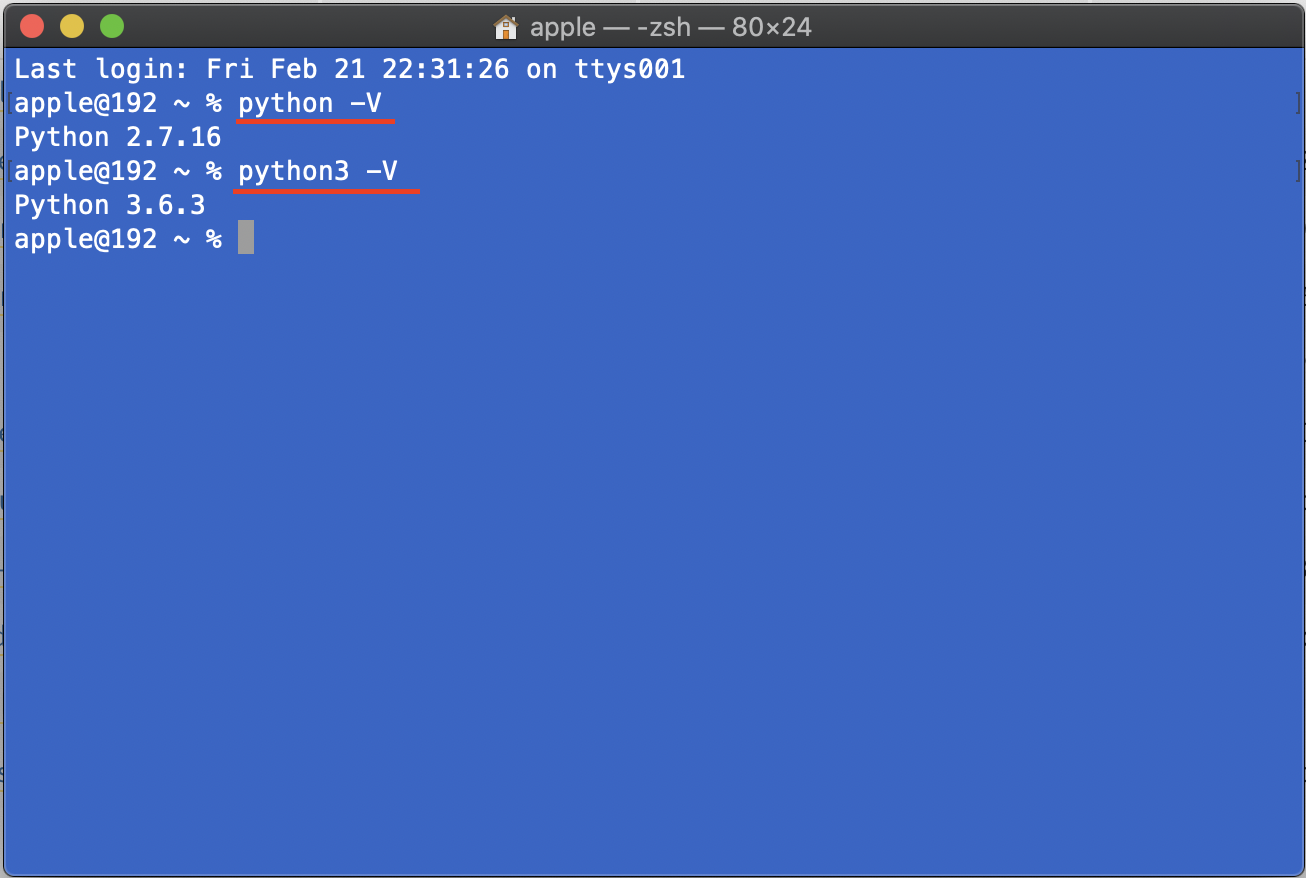
下载到本地安装后,通过命令行方式查看版本,一般很多操作系统已经默认安装了2.7,因此安装新的3.7版本的时候要特别命名为python3,以便区别
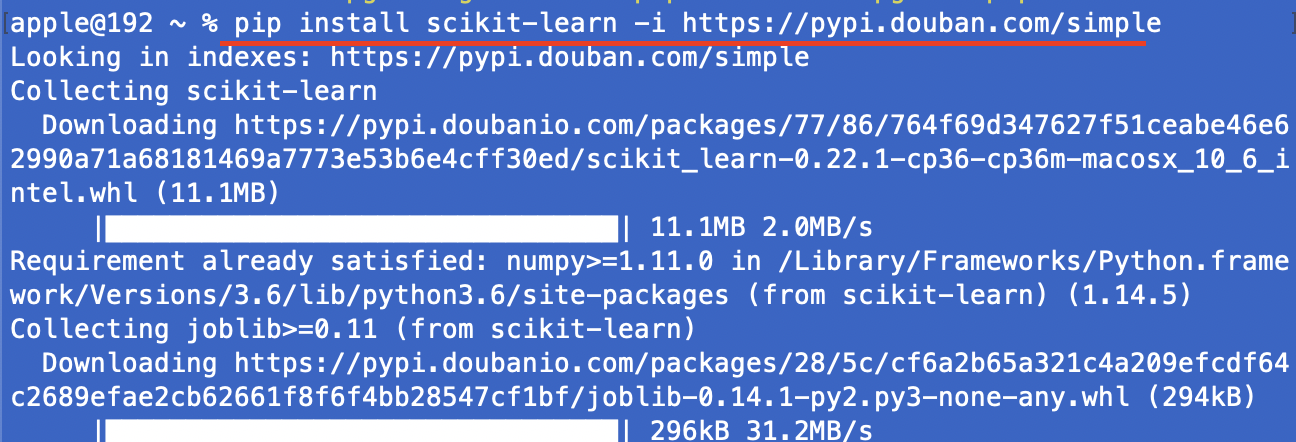
安装常用模块包,安装顺序为下面顺序,注意通过豆瓣的安装源速度比较快。
pip install numpy -i https://pypi.douban.com/simple
pip install matplotlib -i https://pypi.douban.com/simple
pip install scikit-learn -i https://pypi.douban.com/simple
pip install pandas -i https://pypi.douban.com/simple
pip install scipy -i https://pypi.douban.com/simple
pip install torch -i https://pypi.douban.com/simple
pip install tensorflow -i https://pypi.douban.com/simple
pip install jupyterlab -i https://pypi.douban.com/simple
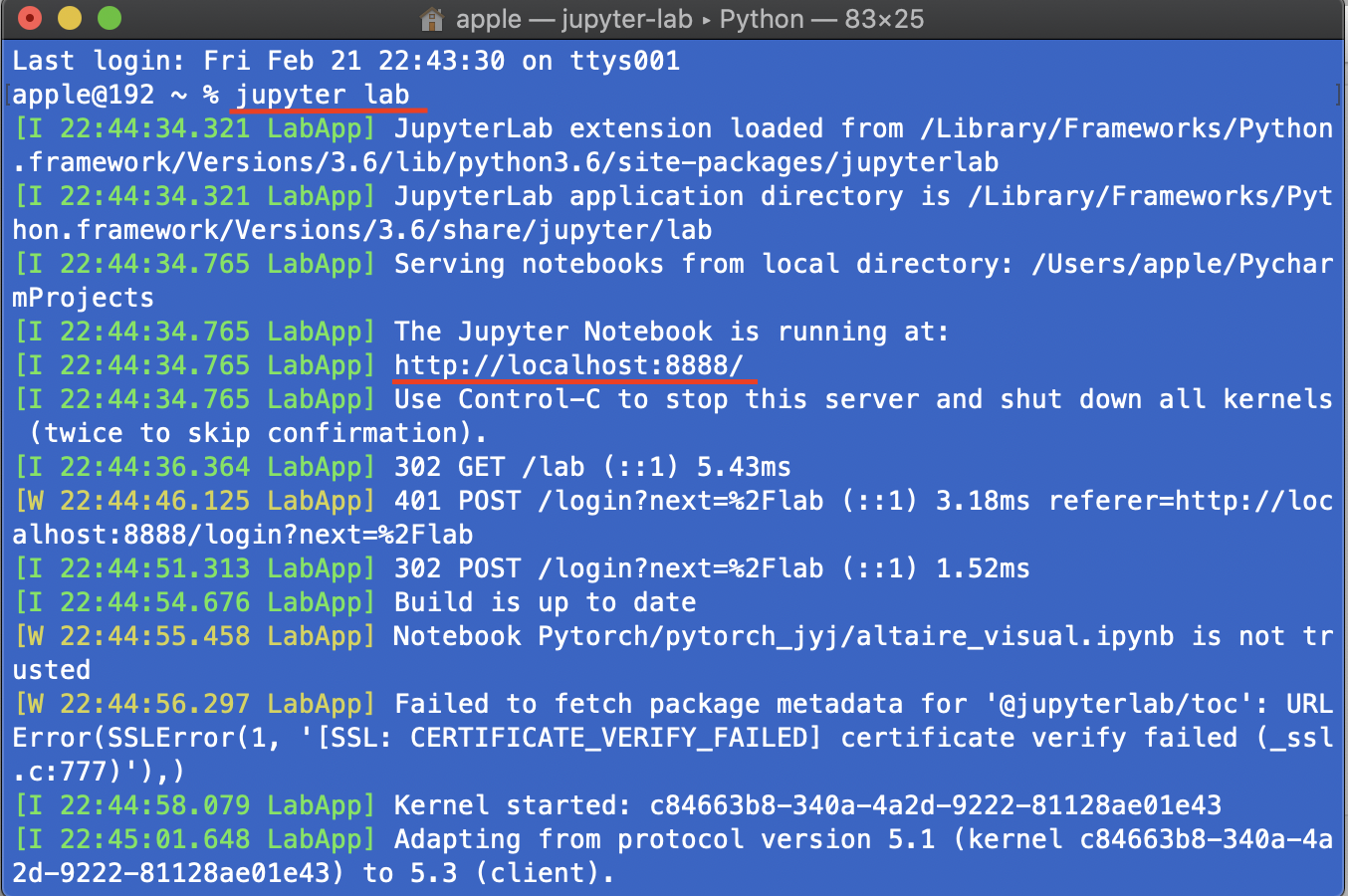
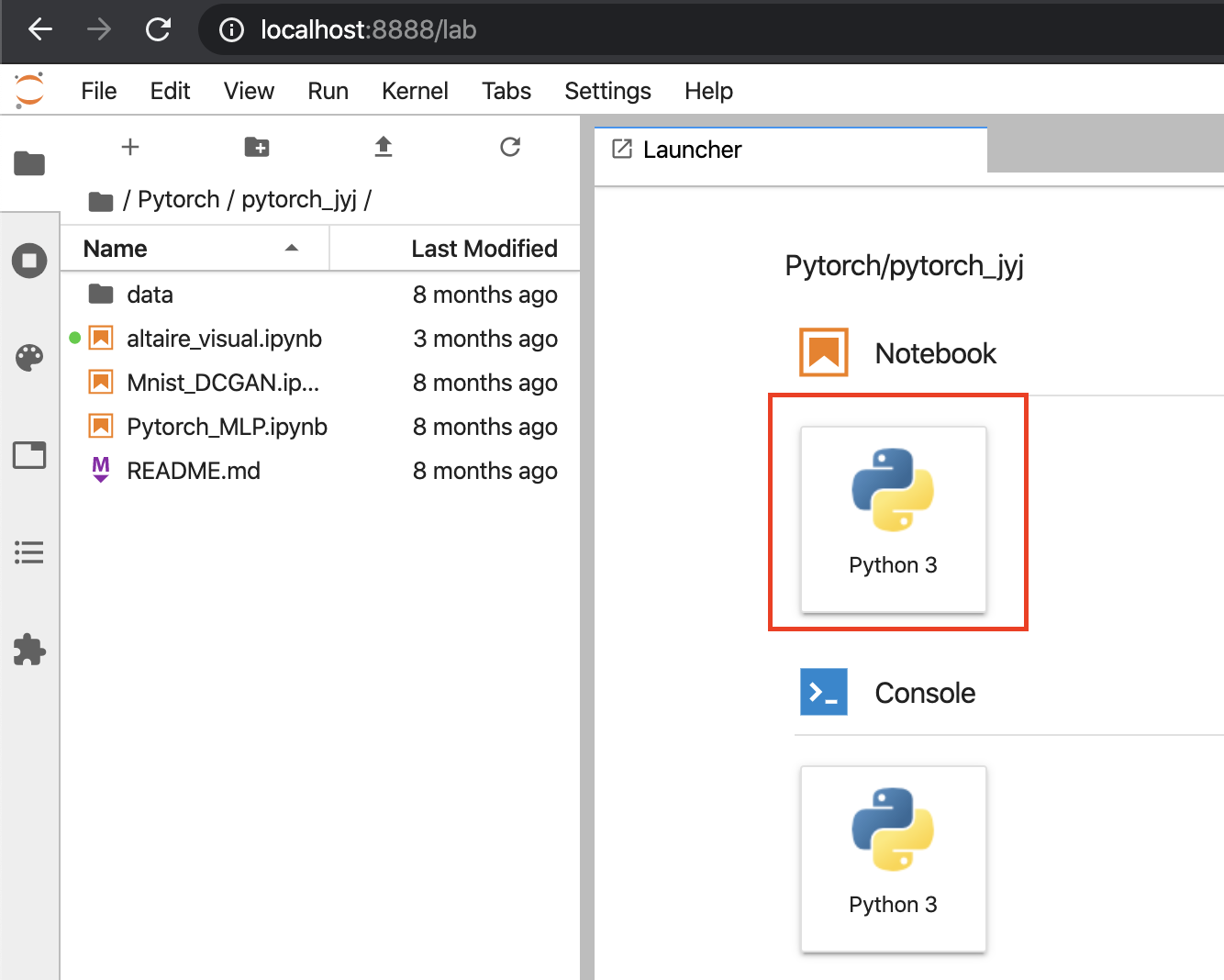
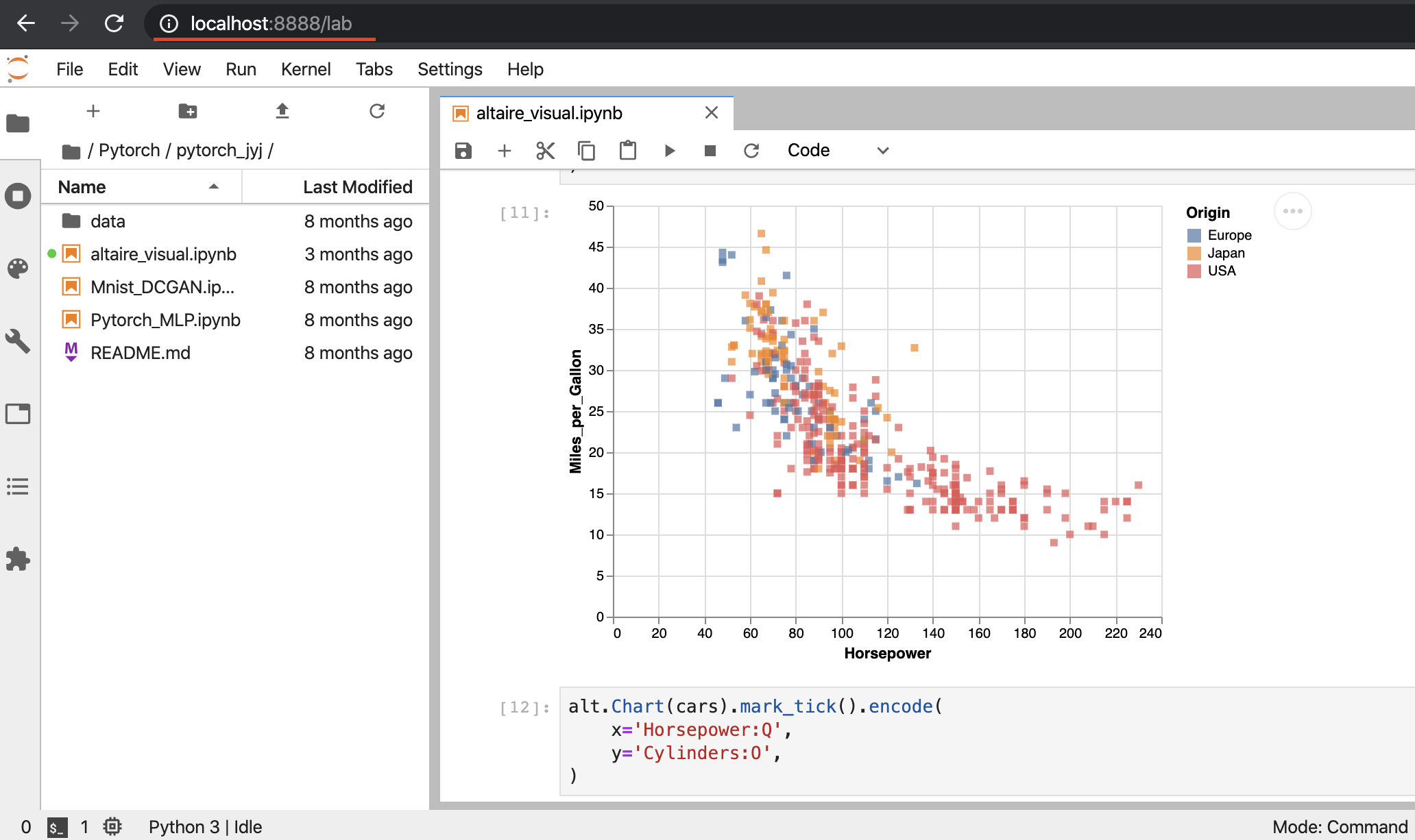
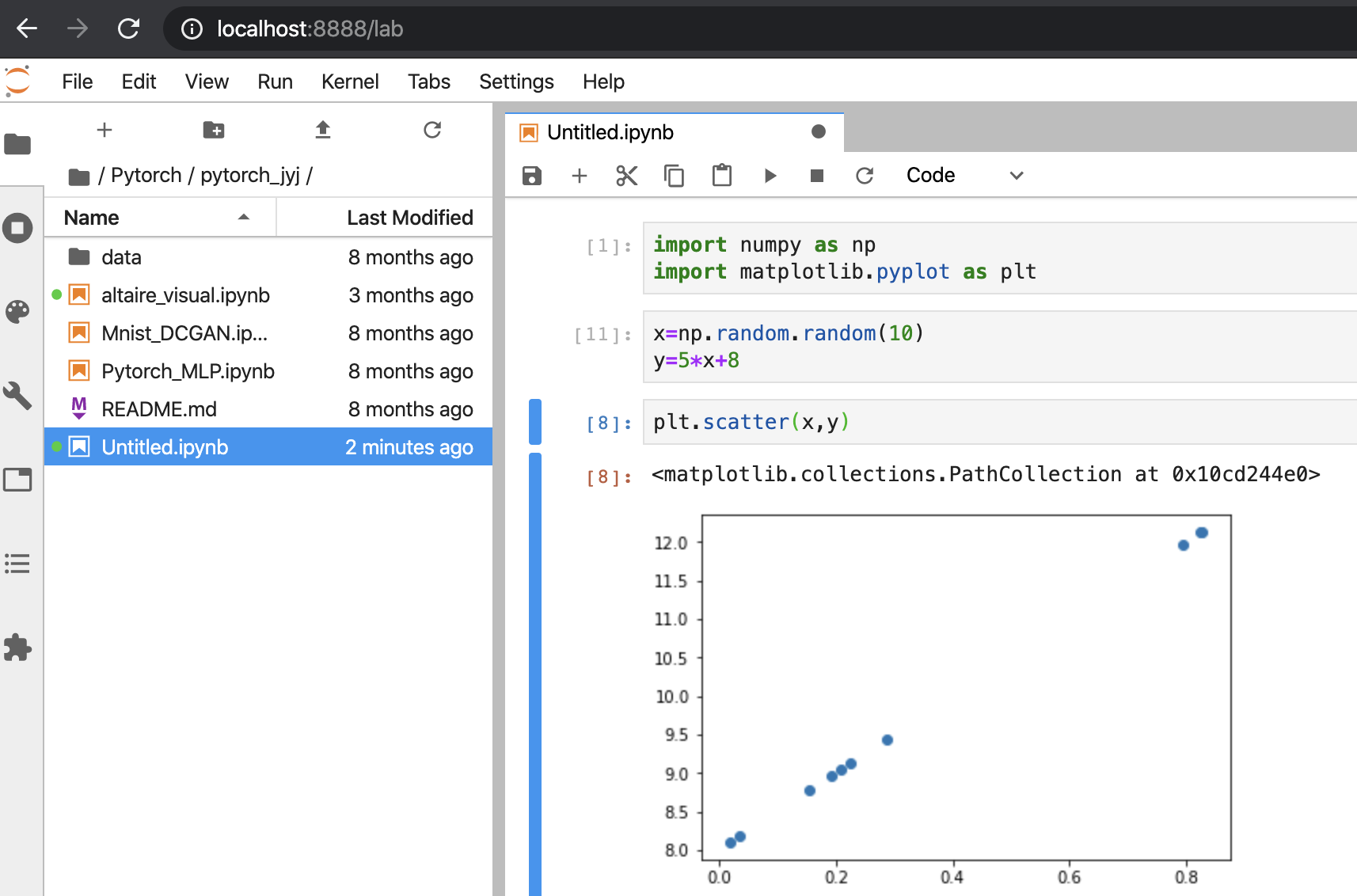
全部模块包安装完毕后,通过命令行启动可视化开发环境 输入命令jupyter lab